Useful details to attach
After reviewing the prepared message, attach a profile cross-section, an old sample photo, or a drawing if available.
- Profile cross-section photo or drawing
- Old weatherstrip sample photo
- Preferred roll length or packing note

Request a quote
Add what you know about the product, profile and order plan. Review the prepared email or WhatsApp message; nothing is sent until you choose to send it.
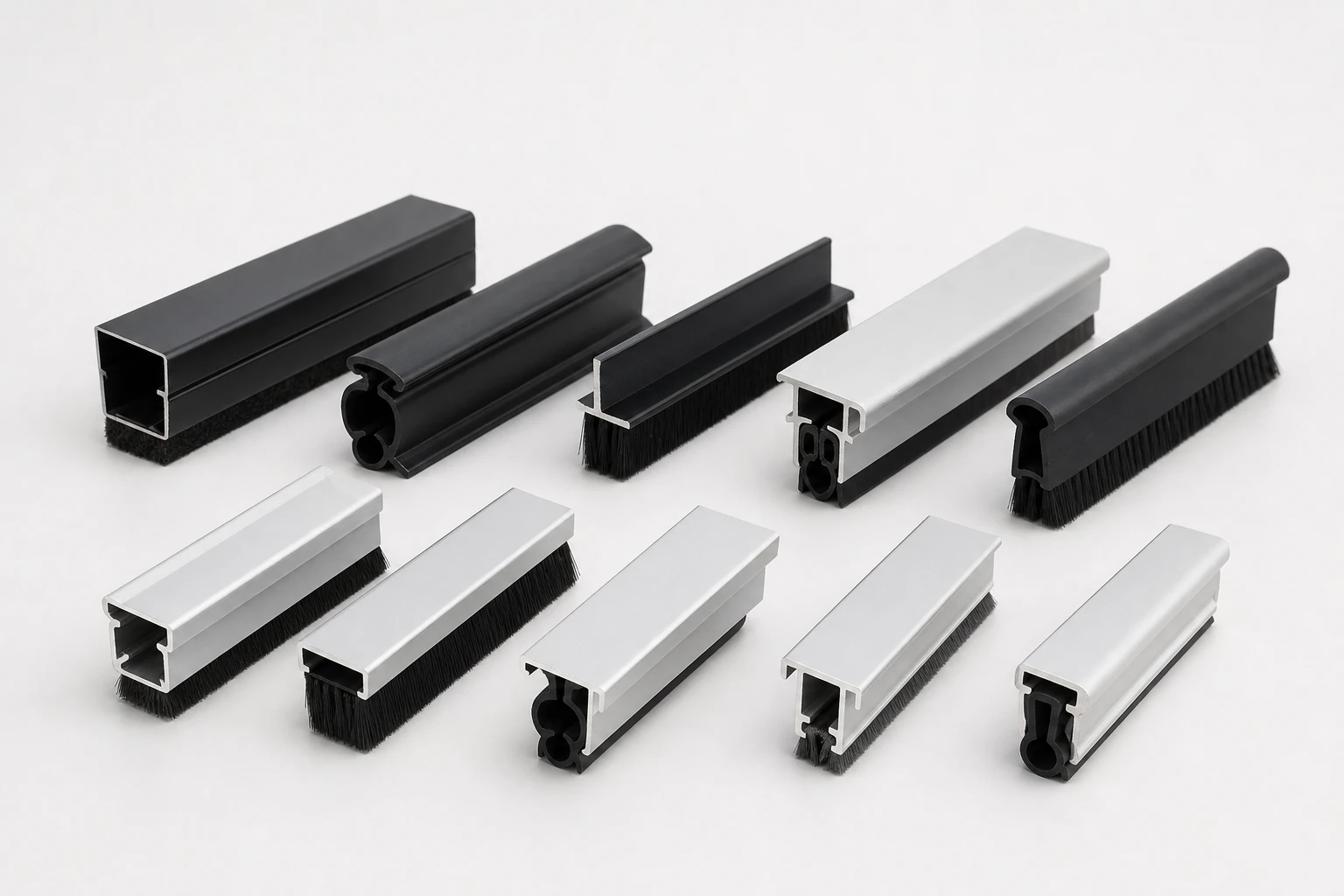
Fill in what you know. If available, attach a profile photo or drawing after opening the prepared message.
After reviewing the prepared message, attach a profile cross-section, an old sample photo, or a drawing if available.
Use the first message to make the quotation practical. If you need company, invoice, payment, certificate or shipping document details, ask sales to confirm them in writing.
| Photos | Old strip photo, profile groove photo, end-section photo beside a ruler or application photo. |
|---|---|
| Drawing or size list | Base width, pile height, backing thickness, fin direction, density and color. |
| Order plan | Estimated quantity, roll length, mixed sizes, destination and target packing method. |
| Business documents | Ask sales to confirm company, payment, invoice, certificate or shipping document requirements in writing. |